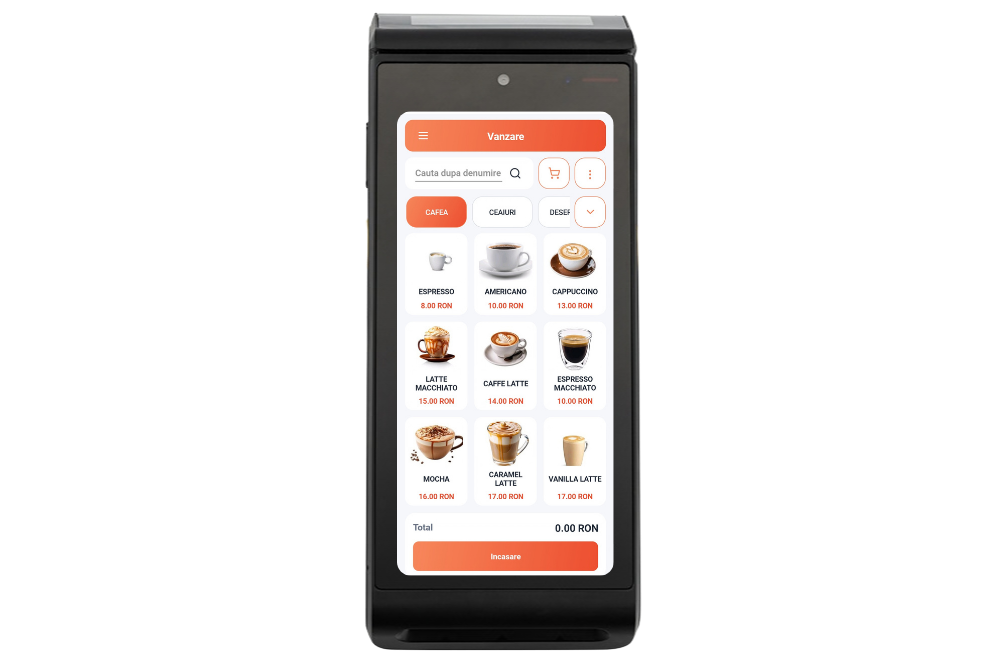
Datecs BlueCash 50
Android 10, integrated fiscal printer, and bank POS. DatecsPay requires merchant enrollment and activation.
Explore the models and interfaces in the documentation. The MicroPOS team confirms compatibility for the exact configuration before purchase.
Android 10, integrated fiscal printer, and bank POS. DatecsPay requires merchant enrollment and activation.
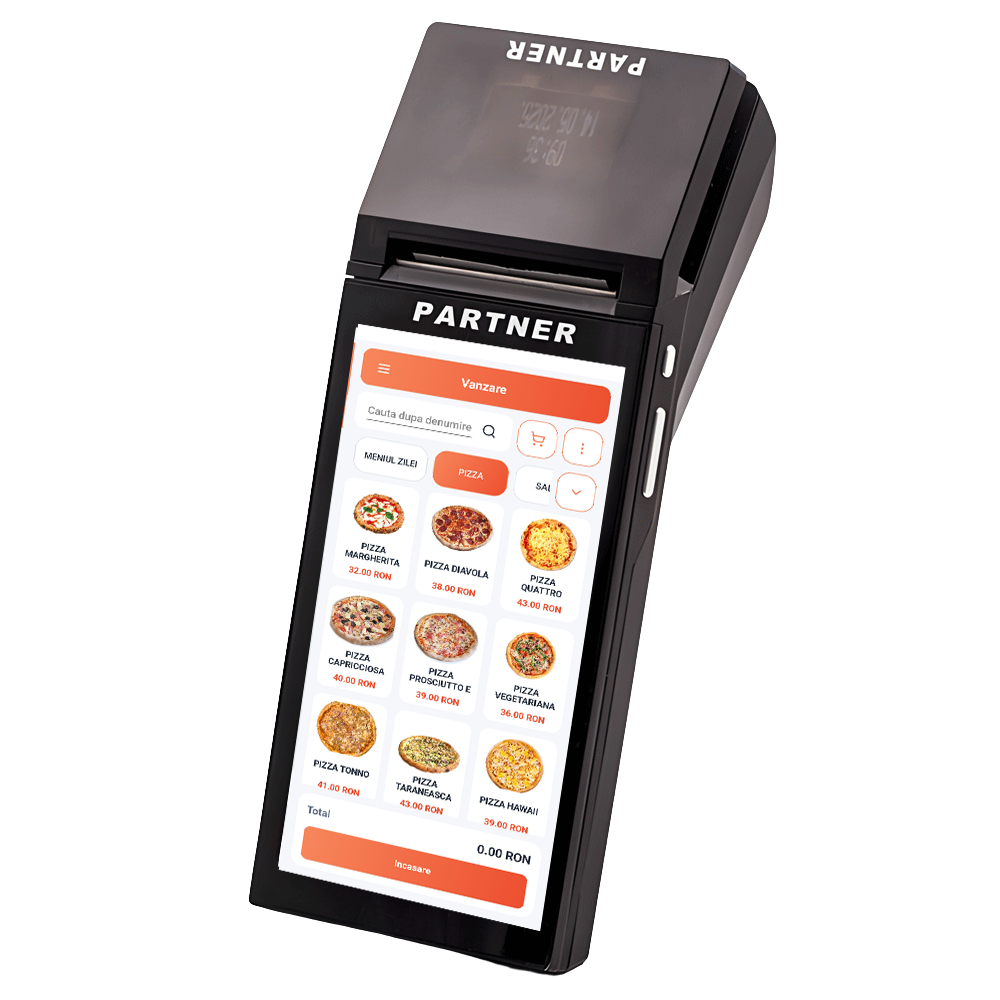
Android 11 and integrated fiscal printer. Payment via GP tom requires a contract and activation of the Global Payments service.
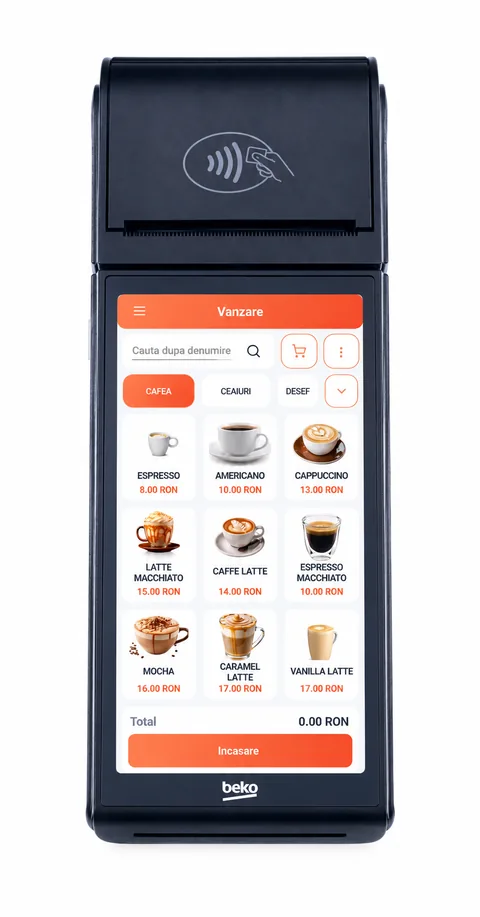
Android 11 Go, integrated fiscal printer, and integrated bank POS. Card payment requires activation of the service on the terminal.
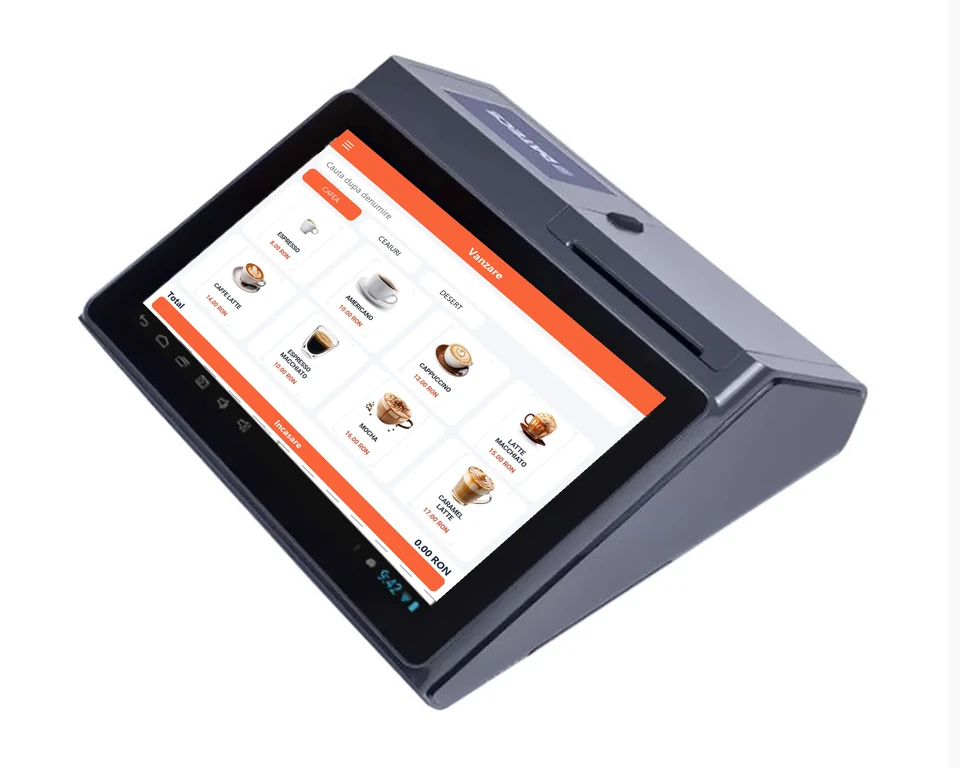
Android 11, 10″ touchscreen and 4″ secondary screen. Dual-band Wi-Fi, Bluetooth 5.0, and integrated 4G LTE. USB-C, 4 × USB-A, LAN, and cash drawer connections.
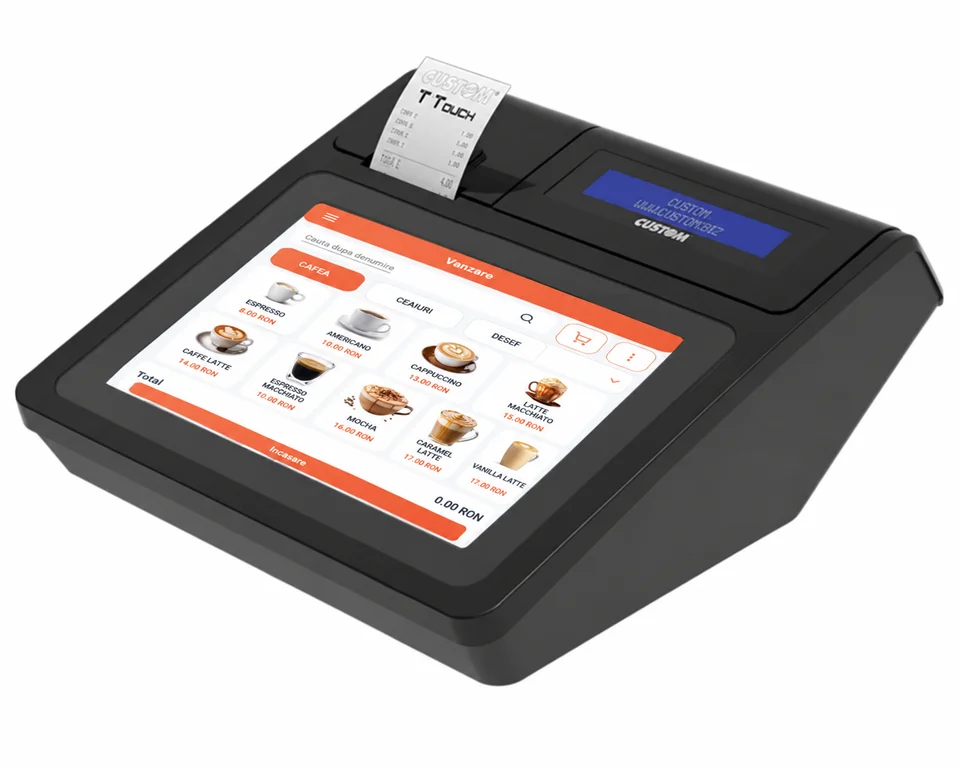
Android 10, Wi-Fi, and Bluetooth 4.2. 3 × Ethernet 10/100 Mbit/s and 3 × USB 2.0 connections, plus a serial interface for the customer display.
A device's interfaces do not automatically guarantee support in MicroPOS. The model and firmware, the device, the operating system, the application version, the connection, and the accessories all matter.
37 configurations in the documentation
| Model | Interfaces and conditions |
|---|---|
| DP-25 MX | LAN; USB; 2 × RS232; Bluetooth optional |
| DP-150 MX | USB; RS232 (second port optional); Bluetooth optional |
| WP-50 MX | USB for PC; 2 USB–RS232 serial interfaces; Bluetooth optional |
| DP-05 MX WiFi | Wi-Fi; USB; Bluetooth optional. |
| DP05 | Mini-USB for PC; Bluetooth optional. |
| DP25 | LAN; mini-USB; 2 × RS232; Bluetooth optional |
| DP25X | LAN; mini-USB; 2 × RS232; Bluetooth optional. |
| DP150 | LAN; mini-USB; RS232 (second port optional); Bluetooth optional. |
| WP50 | Mini-USB for PC; 2 USB–RS232 serial interfaces; Bluetooth optional. |
| WP500 | LAN; mini-USB; RS232; Bluetooth. |
| FP-950MX (fiscal printer) | LAN; USB Type-B; RS232 (DB9). Requires the DUDE fiscal application and the corresponding customer display. |
| FP700 (fiscal printer) | LAN; USB; RS232. Requires the DUDE fiscal application and the corresponding customer display. |
| FMP-350 (fiscal printer) | Bluetooth; USB or RS232 via the 10-pin mini-USB connector and the corresponding cable. Portable model; integration also depends on the DUDE fiscal application. |
| Model | Interfaces and conditions |
|---|---|
| Compact S | USB for PC; Bluetooth |
| Compact M | Micro-USB for PC (virtual COM port); Bluetooth |
| Compact M with interfaces | Micro-USB for PC; Bluetooth, depending on the firmware. Additional interfaces for scanner, scale, and cash drawer |
| eXpert SX | USB for PC; Bluetooth, depending on hardware/firmware; RS232 for scanner/scale |
| Perfect M | USB for PC; Bluetooth; RS232 for scanner/scale |
| eXpert L | USB Type-B for PC; Classic Bluetooth or BLE; Optional Ethernet (module); Serial ports for peripherals |
| Model | Interfaces and conditions |
|---|---|
| J Smart | LAN; USB for PC |
| K Smart | LAN; USB |
| Big Plus | LAN; USB Type B; 2 × RS232 |
| Q3X F (fiscal printer) | LAN; USB; RS232 – for display |
| K3 F (fiscal printer) | LAN; USB; RS232 |
| Model | Interfaces and conditions |
|---|---|
| TEO | Wi-Fi; USB Type-B; RS232 |
| Model | Interfaces and conditions |
|---|---|
| S25 | USB for PC; Bluetooth and/or Wi-Fi, depending on the model configuration |
| M20 | USB; RS232; LAN |
| S (Adpos Tremol S) | Mini-USB for PC (virtual COM port); Bluetooth and/or Wi-Fi, depending on the equipped variant |
| A19 Plus (Adpos A19 Plus) | LAN; USB; RS232; Bluetooth; Wi-Fi. Different configurations are available; check the interfaces included with the order. |
| FP21 / Activa FP21 (fiscal printer) | LAN; USB; RS232; Bluetooth |
| Model | Interfaces and conditions |
|---|---|
| 200 | LAN; micro-USB; Wi-Fi; RS232. |
| 300 | LAN; micro-USB; Wi-Fi; RS232; optional external Bluetooth via RS232. |
| 600 | LAN; USB (mini-USB and auxiliary USB ports); Wi-Fi; RS232; optional external Bluetooth via RS232 |
| PARTNER PF 80K (fiscal cash register) | LAN; USB Type-B and USB Type-A; Wi-Fi; Bluetooth 4.0; 2 × RS232 |
| PARTNER PF 80K — fiscal printer configuration | LAN; USB Type-B for connection to the host system; Wi-Fi; Bluetooth 4.0; 2 × RS232. USB Type-A for peripherals. Configuration with FD70 customer display; distinct from the version with a keypad. |
| Model | Interfaces and conditions |
|---|---|
| Succes M7 | 1 × USB Device Type B — PC; 1 × USB HOST Type A — external storage device (XML files); 2 × Serial (RJ-11) — PC, scanner, scale, external display; 1 × PS/2 — external PC keyboard; ETH interface — communication device / PC. Data connection for transferring XML files to the CNIF/ANAF server. |
| Succes M4 | 1 × USB Device Type B — PC; 1 × USB HOST Type A — external storage device (XML files); 2 × Serial (RJ-45) — PC, scanner, cash drawer, scale, external display, Verifone bank POS; 1 × Wi-Fi — PC connection / XML file extraction; optional ETH interface — communication device / PC. |
We couldn't find a model for your search. Contact us for verification.
Tell us what device and what cash register you use.