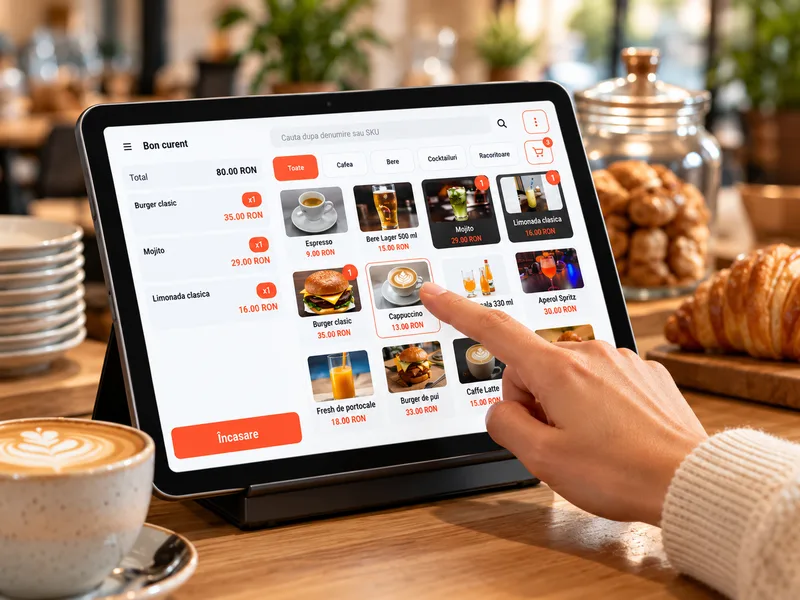
Start with how you sell
In a small shop, choosing an app starts with activity at the counter: which products you sell, how the operator selects them and how you take payment. MicroPOS brings together the product catalog, sales and communication with compatible fiscal equipment.
Write down a few common situations: a single-product sale, a basket with several items, a card payment and a product with SGR deposit-return packaging. These will become your verification scenarios.
Prepare the device and fiscal equipment
You can use a Windows computer, an Android phone or tablet, or compatible All-in-One equipment. Choose according to the space available and how the operator works.
Before buying a new device, check the complete setup: operating system, fiscal device model and connection method. Compatibility between the app and a phone does not automatically mean compatibility with every cash register.
Organize your product list
Prepare product names, categories, prices, VAT rates and units of measure. Items can be entered manually or imported using the app's Excel template. Starting with a clean list reduces later corrections.
For relevant products, configure the SGR deposit-return packaging items and their associations. If you use variants or price supplements, check the attribute templates in the documentation.
Configure the company and payment methods
Initial setup covers identifying the company, connecting the fiscal equipment, defining the administrator and preparing the products. Payment methods are selected according to the equipment and payment solution being used.
To help you get familiar with the app, the documentation also describes the Firma Test (Test Company) option. Follow its instructions before switching to the company's working setup.
Check the process before daily use
Work through the scenarios prepared at the outset and check product selection, quantities, the total and the payment method. Confirm the fiscal setup with the team before use.
During the 14-day free trial, assess whether the app suits your business. Use the illustrated guide for detailed setup; when choosing equipment, send the team the exact model.
See how it fits your business.
Download MicroPOS and work through the sales process on your device.
Try it free for 14 days